
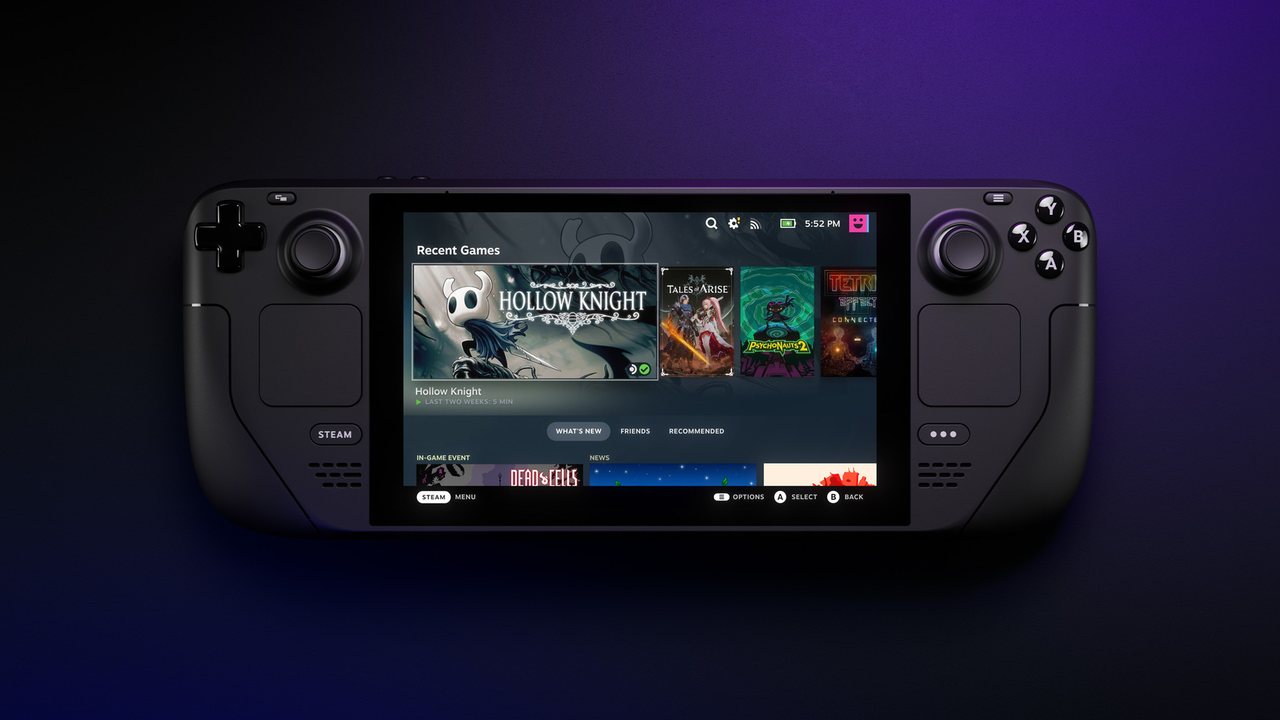
Steam Deck is brilliant, but its 15W TDP means settings matter more than on any other platform. These configurations are tested on both the LCD and OLED models — they target 40 FPS for battery, 60 FPS docked.
Deck-wide recommendations
- Framerate limit: 40 FPS for most games (halves power draw vs 60).
- Refresh rate: match to framerate (40 Hz on LCD, 90 Hz divisor on OLED).
- TDP limit: 10W for indies, 12W for mid-tier, 15W only when necessary.
- GPU clock: leave on Auto unless you’re tuning per-game.
- FSR 2.2 in Quality mode is almost always better than the game’s built-in upscaler.
Per-game settings
| Game | Preset | TDP / FPS |
|---|---|---|
| Cyberpunk 2077 | Steam Deck preset, FSR Performance | 15W / 30 FPS |
| Elden Ring | Medium, Effects Low | 12W / 40 FPS |
| Baldur’s Gate 3 | Medium, DLSS off / FSR Balanced | 15W / 30–40 FPS |
| Hades II | Max settings | 8W / 60 FPS |
| Hollow Knight | Max | 6W / 60 FPS |
| The Witcher 3 (NextGen) | Low, RT off, FSR Quality | 12W / 40 FPS |
| Stardew Valley | Native | 4W / 60 FPS |
| Death Stranding | Medium, DLSS Quality | 10W / 40 FPS |
| Doom Eternal | High | 12W / 60 FPS |
| Red Dead Redemption 2 | Steam Deck custom | 15W / 30 FPS |
| Vampire Survivors | Default | 4W / 60 FPS |
| Persona 5 Royal | Max | 8W / 60 FPS |
Battery-saving tricks
- Cap to 40 Hz in system settings — the Deck’s display is variable refresh.
- Close Steam overlay in CPU-bound games — it saps 5–8% performance.
- Use Proton GE for older or problematic games — often better compatibility than stock Proton.
- Disable background downloads during handheld play — the SSD wakes every 30 seconds.
Docked mode
When plugged in, raise TDP to 15W and target 60 FPS at 1080p with FSR Quality. The Deck is surprisingly capable as a travel console for 4K TVs when FSR handles the upscale.