
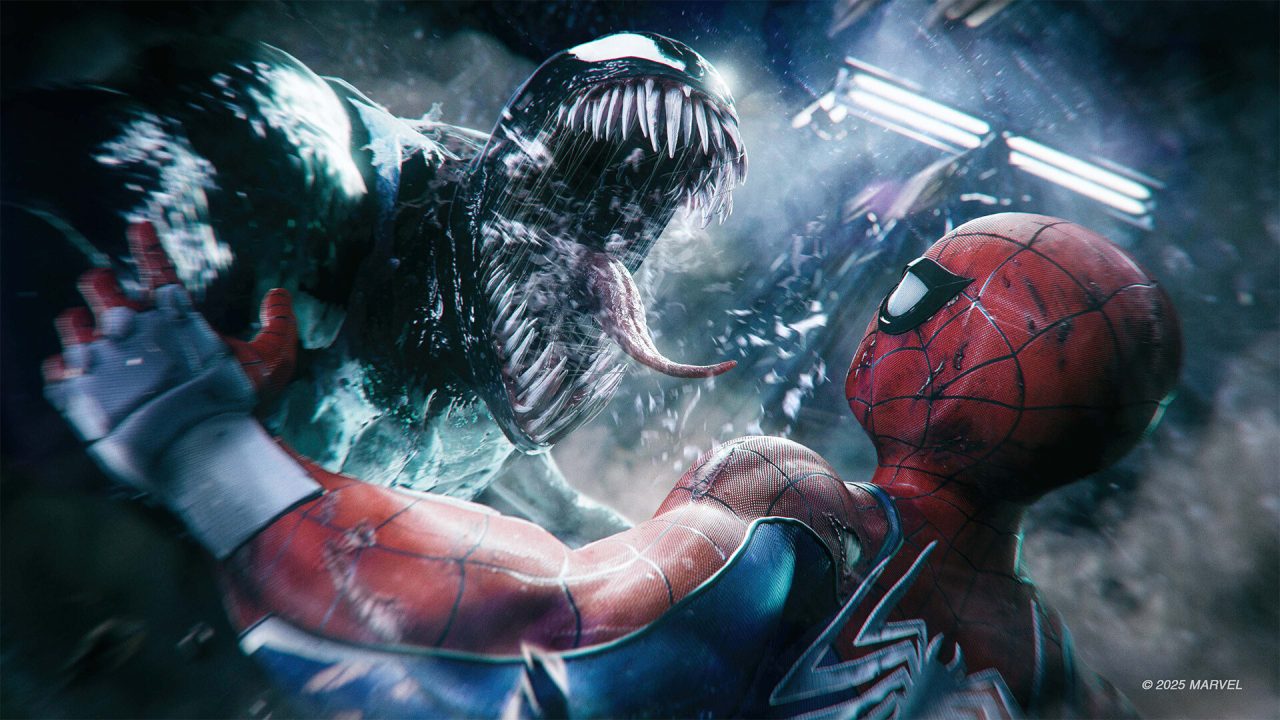
Marvel’s Spider-Man 2 arrived on PC on January 30, 2025, ported by Nixxes Software. It is a demanding game — the official minimum is a GTX 1650 with 16 GB of RAM and a mandatory SSD — but with the right settings it runs well on mid-range hardware. This guide explains what each important option does and gives you ready-made presets for low-end, mid-range and high-end PCs.
Official PC system requirements
| Minimum | Recommended | |
|---|---|---|
| CPU | Intel Core i3-8100 / AMD Ryzen 3 3100 | Intel Core i5-8400 / AMD Ryzen 5 3600 |
| RAM | 16 GB | 16 GB |
| GPU | GeForce GTX 1650 / Radeon RX 5500 XT | GeForce RTX 3060 / Radeon RX 5700 |
| Storage | 140 GB SSD | 140 GB SSD |
| OS | Windows 10/11 64-bit, version 1909 or newer | |
Install the game on an SSD. The game streams the city at high speed while you swing and use Web Wings; on a hard drive you will get stutter and pop-in no matter which settings you choose.
The settings that matter most
Upscaling: DLSS, FSR or XeSS
Upscaling gives the biggest FPS boost of any option. On NVIDIA RTX cards use DLSS Quality at 1080p/1440p, or Balanced at 4K. On AMD and GTX cards use FSR Quality. Frame generation (DLSS 3 or FSR 3) can smooth the image further if your base frame rate is already around 50–60 FPS; below that it adds noticeable input lag.
Ray tracing
Ray-traced reflections look great on Manhattan’s glass towers, but they are expensive. Leave ray tracing off on anything below an RTX 3060-class GPU. If you enable it, reflections are the option worth having — ray-traced shadows and ambient occlusion add less visually for the cost.
Texture quality
Textures barely affect FPS as long as you have enough video memory. Use High on 8 GB cards and Medium on 4–6 GB cards; running out of VRAM causes heavy stutter.
Crowd and traffic density, level of detail
These options are CPU-heavy. On a 4- or 6-core CPU drop crowd and traffic density to Medium — the city still looks alive and swinging through busy streets stays smooth.
Recommended presets
Low-end (GTX 1650 / RX 5500 XT, 1080p, ~45–60 FPS target)
- Preset: Low, then textures Medium
- Upscaling: FSR Quality (or Balanced if needed)
- Ray tracing: Off
- Crowd / traffic density: Low
- Depth of field and motion blur: Off for a sharper image
Mid-range (RTX 3060 / RX 5700 / RX 6600, 1080p–1440p, 60 FPS)
- Preset: High
- Upscaling: DLSS Quality (NVIDIA) or FSR Quality (AMD)
- Ray tracing: Off, or reflections only at 1080p
- Crowd / traffic density: Medium
High-end (RTX 4070 and above, 1440p–4K)
- Preset: Very High
- Ray-traced reflections: High
- DLSS Quality + Frame Generation for 100+ FPS
Quick fixes for stutter and crashes
- Update your GPU driver to the latest version — NVIDIA and AMD both published optimised drivers for the PC launch.
- Close overlays you don’t use (recording tools, RGB software) and make sure the game is on an SSD.
- If the game crashes on start-up, verify the game files in Steam and see our general guide on what to do when a game won’t launch.
Where to get Marvel’s Spider-Man 2 for PC cheaper
The official Steam price is $59.99. In the playarchy Store you can get Marvel’s Spider-Man 2 as a Steam account for $4.99 — instant delivery, region-free and with lifetime support.